Updated August 10, 2026
Mac screenshot apps compared
Apple Screenshot is enough for simple capture. Other apps add scrolling capture, detailed markup, recording, OCR, or a searchable screenshot library. Pick the tool that fixes the part of your workflow that wastes time.
| App | Best for | Why choose it |
|---|---|---|
| Screen Index | Finding and organizing old screenshots | Searches screenshot text and visual clues, opens from any screen, uses Finder folders, and includes editing tools. |
| Apple Screenshot | Basic capture at no extra cost | Captures the full screen, a window, or a selected area and can record the screen. |
| CleanShot X | Capture, recording, and sharing | Adds scrolling capture, screen recording, OCR, markup, capture history, and cloud sharing. |
| Shottr | Fast capture and pixel work | Adds scrolling capture, OCR, markup, pinning, color tools, and detailed measurements. |
| Snagit | Detailed guides and work documents | Combines screen capture, scrolling capture, text recognition, editing, and document tools. |
Sources: Apple Screenshot guide, CleanShot X features, Shottr features, Snagit features
Choose a screenshot app by the job
Use Apple Screenshot if you only need to capture a screen, window, or area. Choose CleanShot X when recording and quick sharing matter. Choose Shottr for a light tool with scrolling capture and pixel-focused features. Choose Snagit for detailed work guides and documents.
Choose Screen Index when capture is not the hard part. It is built for people who already have many screenshots and need to search, organize, edit, and reuse them.
Need to find old screenshots?
Pick a screenshot manager with OCR, content search, and a fast way to search from any screen.
Need better capture tools?
Look for scrolling capture, timers, window controls, screen recording, and quick sharing.
Need to explain a process?
Look for strong markup, steps, templates, and export tools that fit your team.
What makes Screen Index different
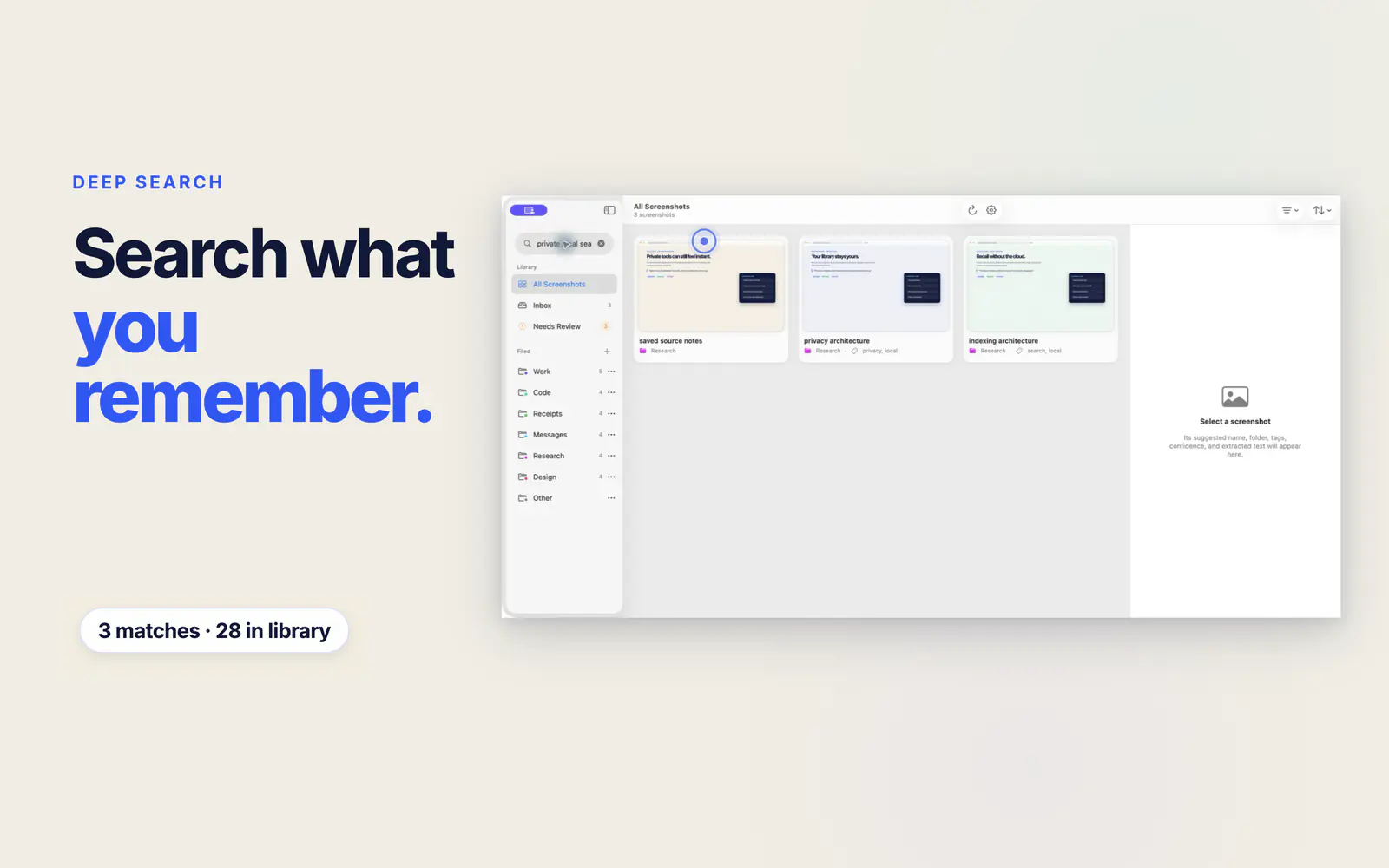
Screen Index starts with recall. Search visible text, apps, sites, colors, tags, QR codes, or image details. Global Recall opens search from any Mac screen. Real Finder folders and tags keep the library organized, while the editor handles common changes before you copy or drag the image into your work.
The screenshot library and its search data stay on your Mac. Screen Index requires no account and does not upload the library.
FAQ
Questions about Mac screenshot apps
What is the best free screenshot app for Mac?
Apple Screenshot is built into macOS and covers full screen, window, area, and screen recording jobs. Shottr can also be used for free, though its site asks users to consider a paid license after 30 days and requires a license for commercial use.
Which Mac screenshot app can search old screenshots?
Screen Index is built to search a screenshot library by visible text and other clues. Global Recall can open that search from any screen on your Mac.
Which screenshot app is best for scrolling capture?
CleanShot X, Shottr, and Snagit all publish scrolling capture features. Compare their current capture, editing, and pricing details on their official sites before you choose.
Do I need a paid screenshot app on Mac?
No. The built-in Apple Screenshot app handles basic capture. A paid tool can make sense when you need better editing, recording, sharing, OCR, or screenshot search.